
Your correspondence,
finally understood.
Local. Verified. With sources.
DCM Lumina fetches documents from your mailboxes, reads them with AI, files and forwards them – and the cockpit shows you only what really needs you.
Native Rust app. Local SQLite. No Lumina account – just your own AI key.
Data sheet (PDF, German)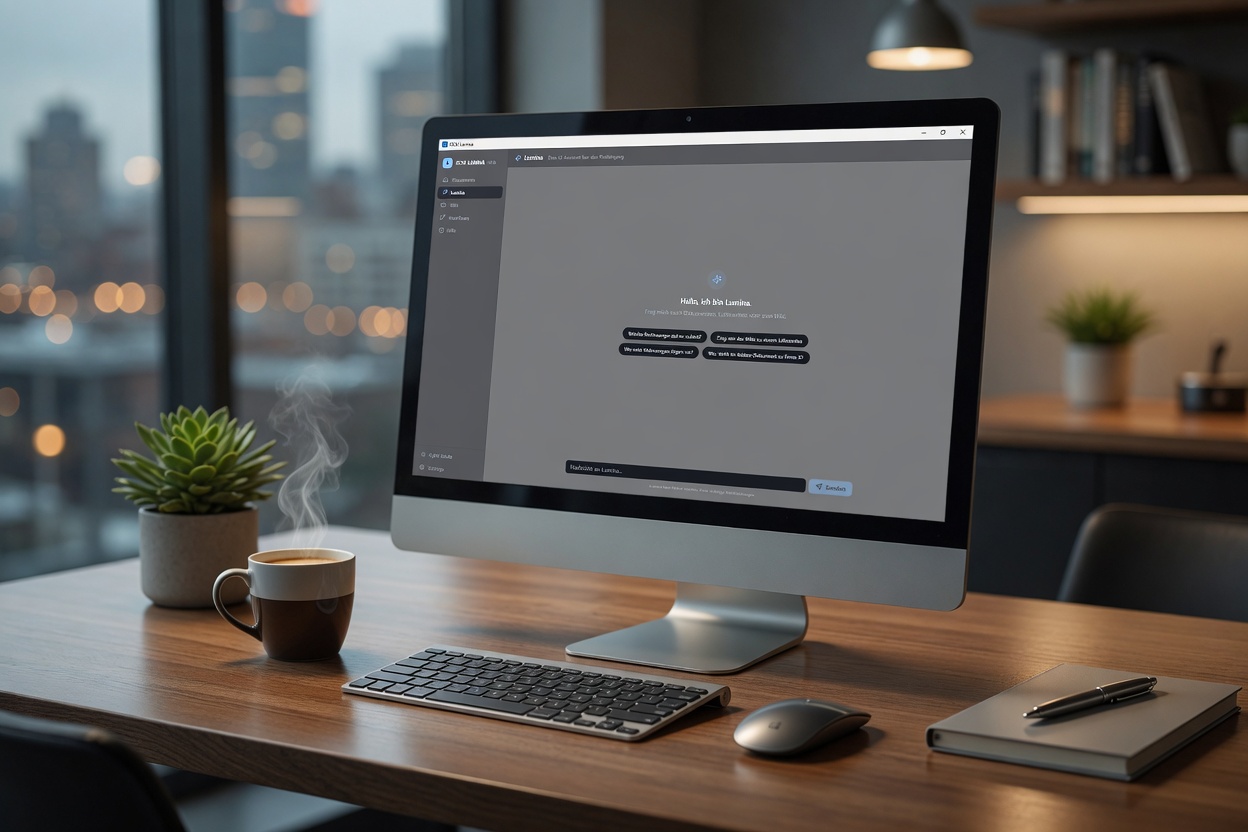
Sound familiar?
“I can't find anything.”
30 emails a day, 5 subfolders, Outlook search gives up. Last month's invoice from ACME turns into a scavenger hunt.
“I miss deadlines.”
A second-stage dunning notice was buried in an email you never opened. Now the late fees are piling up.
“I retype data.”
Invoice number, IBAN, net/gross — copied by hand into DATEV or Excel. Typos guaranteed.
How DCM Lumina works
DCM Lumina in action.
From inbox to searchable archive — in seconds.
Everything included. Nothing superfluous.
SQLite database and Markdown wiki on your PC. No telemetry, no account.
Running, Needs you, Done.
- Dunning notices stay highlighted in yellow with amount, due date and dunning level until you mark them as paid.
- Customer enquiries from a service mailbox appear as to-dos with “Reply”.
- A 30-day history shows everything you have ticked off, with “Reopen”.
Uncertain documents are held back. Enter confirms and forwards. Confirmed documents serve the AI as examples for the same sender.
Tesseract is built in (German). An image model reads phone photos of receipts.
Every answer based on documents shows source chips; one click opens the original PDF.
- Triggers: document type(s), minimum amount, time period.
- Actions: email with templates, file copy to a (cloud) folder, webhook (Slack-ready, JSON for Zapier, Make and n8n) with a test button.
- Automatic runs never send the same invoice twice.
- AI outages are caught up automatically.
- Unreadable attachments (ZIP instead of PDF, corrupted, blocked by the virus scanner) are clearly flagged.
Pages per document, type and supplier. The graph puts the latest documents in focus.
IMAP mailboxes in parallel, plus a daily limit in euros for AI costs.
Passwords and API keys are encrypted with Windows DPAPI.
Command line and MCP server with the same tools as the chat.
One-time. Clear. Fair.
Per-machine licence. No subscription, no account. Your AI provider bills AI costs directly, capped by your daily limit.
DCM Lumina
- Full feature set, no restrictions
- Download link sent immediately by email
- No credit card, no account
- Incl. 30 min. personal setup call
- All updates included
Customisation Workshop
- 4 hours, 1:1 with Leanofy
- Define custom document types & workflows
- Set up forwarding to your accounting (e.g. DATEV Unternehmen online via upload email)
- Webhook integrations (Slack, Zapier, Make, n8n)
- Ideal for special requirements
Connect DCM Lumina to your workflows
The inbox is often only the first bottleneck. We connect it to the systems you work in.
No more Outlook hunts
or copy-pasting data.
14 days free. No account. No risk.
Enter your email → download link arrives instantly.